
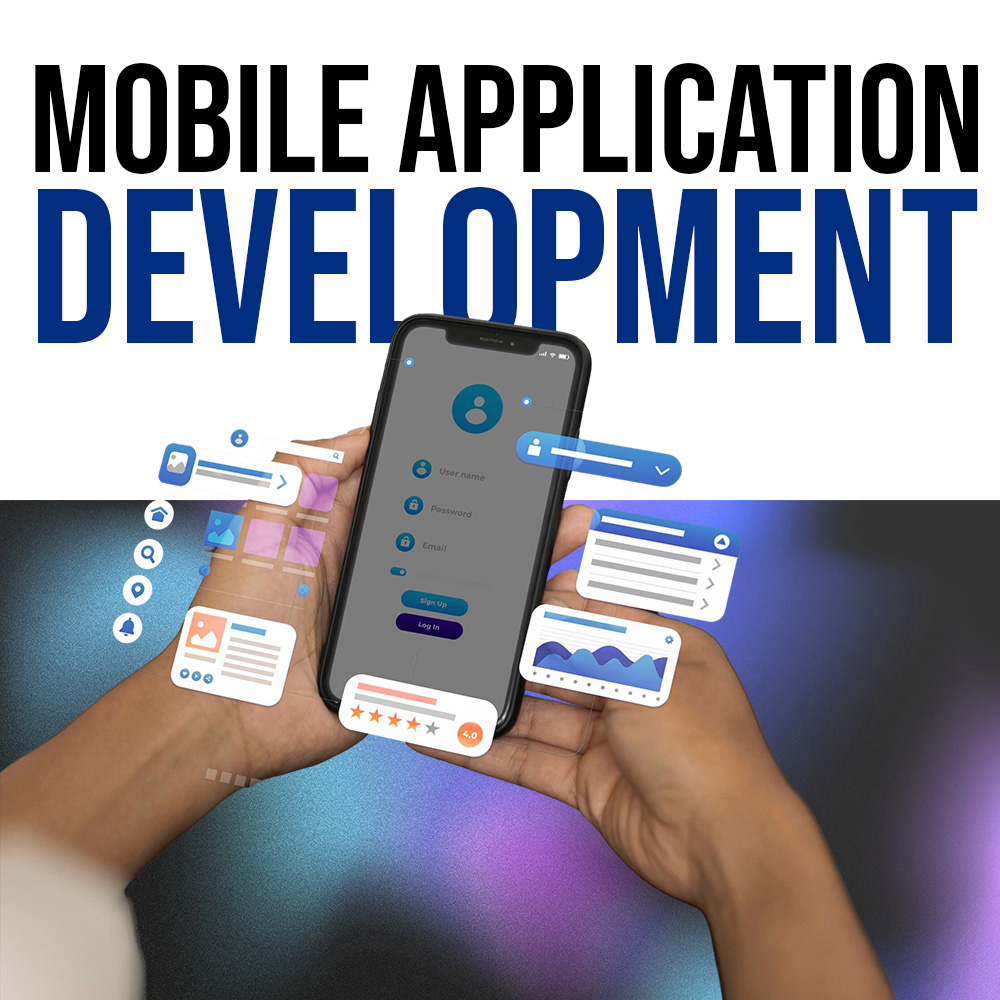
Mobile Application
Certification Program
12-Week Intensive Training
Hands-on Projects
Industry-Recognized Certificate
Expert Mentorship
Course Overview
This course covers mobile app development fundamentals, including programming basics, user interfaces, and navigation. Participants will learn to handle user inputs, display dynamic data, and integrate APIs and Firebase. The course also covers state management, debugging, app testing, and deployment to app stores. Practical projects will help students create and deploy their own mobile apps.
12-Week Curriculum
Introduction to Mobile App Development
Duration: 5 Hours
Content: 2 Hours
- Overview of mobile app development (Android vs iOS)
- Introduction to development environments (Android Studio, Flutter/Dart, or Kotlin/Android)
- App structure and lifecycle
Practical: 3 Hours
- Set up the development environment
- Create and run a simple "Hello World" app
Basics of Programming (Dart or Kotlin)
Duration: 5 Hours
Content: 2 Hours
- Introduction to programming basics: variables, data types, and operators
- Simple control structures: loops and conditional statements
Practical: 3 Hours
- Write basic programs (simple calculator, number guessing game)
- Incorporate logic into the mobile app (e.g., simple input and output)
User Interface (UI) Basics
Duration: 5 Hours
Content: 2 Hours
- Introduction to UI components: Text, Button, Image, Input fields
- Understanding layout types (Row, Column, LinearLayout/ConstraintLayout)
Practical: 3 Hours
- Build a basic user interface for a form-based app (e.g., a contact form)
- Practice using different layouts to design a simple app
Navigation Between Screens
Duration: 5 Hours
Content: 2 Hours
- Introduction to navigation: switching between screens/pages
- Understanding the back stack and activity lifecycle
Practical: 3 Hours
- Implement multi-screen navigation (e.g., login screen to a dashboard)
- Practice navigation techniques using a basic app
Working with User Input
Duration: 5 Hours
Content: 2 Hours
- Handling user input (TextField, Buttons)
- Validating user input
Practical: 3 Hours
- Create a form that accepts input and validates it (e.g., a simple registration form)
- Display error messages for invalid input
Lists and Data Display
Duration: 5 Hours
Content: 2 Hours
- Introduction to ListViews or RecyclerViews (displaying dynamic data)
- Working with arrays or data models
Practical: 3 Hours
- Create an app that displays a list of items (e.g., a shopping list app)
- Learn to add/remove items from the list
Introduction to APIs and Networking
Duration: 5 Hours
Content: 2 Hours
- What is an API? Introduction to REST APIs
- Basics of making network requests and handling responses
Activity: 3 Hours
- Build a simple app that fetches data from an API (e.g., a weather app)
- Display data dynamically on the app interface
State Management and Data Storage
Duration: 5 Hours
Content: 2 Hours
- Introduction to state management in mobile apps (Stateful vs Stateless widgets or activities)
- Local data storage: Shared Preferences or SQLite
Practical: 3 Hours
- Create an app that saves user preferences (e.g., theme settings)
- Build an app that stores and retrieves data from a local database
Working with Firebase
Duration: 5 Hours
Content: 2 Hours
- Introduction to Firebase and its features (authentication, real-time database)
- Setting up Firebase in your mobile app
Practical: 3 Hours
- Implement user authentication (sign-up, login) using Firebase
- Build a real-time chat app using Firebase Realtime Database
Adding Animations and Enhancing UI
Duration: 5 Hours
Content: 2 Hours
- Introduction to animations in mobile apps (basic transitions, scaling, fades)
- Best practices for UI/UX design
Practical: 3 Hours
- Add simple animations to buttons and transitions between screens
- Build an app that features smooth transitions and animated elements
App Testing and Debugging
Duration: 5 Hours
Content: 2 Hours
- Importance of testing and debugging mobile apps
- Tools and techniques for debugging (e.g., logs, breakpoints)
Practical: 3 Hours
- Test and debug a mobile app (find and fix common issues)
- Practice using debugging tools and techniques to improve app performance
Final Project and App Deployment
Duration: 5 Hours
Content: 2 Hours
- Steps for preparing an app for deployment (app signing, APK generation)
- Overview of app stores (Google Play, App Store) and publishing process
Practical: 3 Hours
- Finalize and present the class project (students work on a small app, integrating concepts learned throughout the course)
- Generate a signed APK and simulate app deployment
Entry Requirements
Educational Background
Completed G.C.E. Ordinary Level (O/L) with minimum 3 passes
Technical Requirements
Laptop with internet access
Basic computer literacy
Language Proficiency
Basic English communication skills
(Reading/Writing/Speaking)